
12. How to change the TrackerApp Name
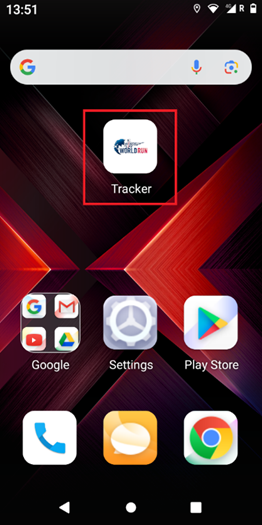
1. Long press on the Tracker APP: |
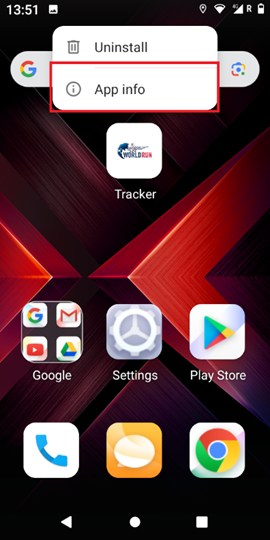
2. Press “App Info”: |
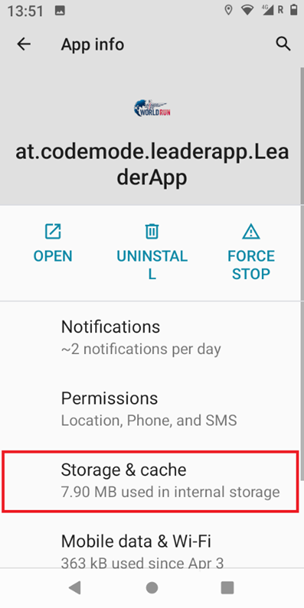
3. Press on “Storage&cache” |
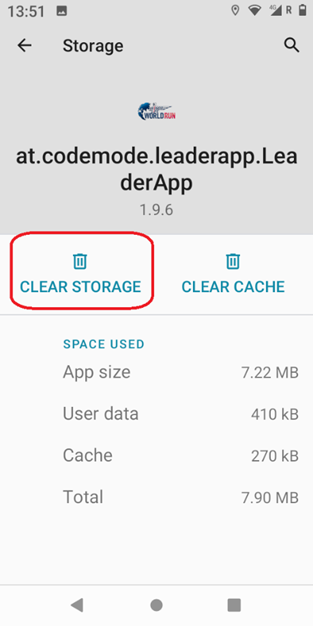
4. Press on “CLEAR STORAGE” |
 |
|
|
|
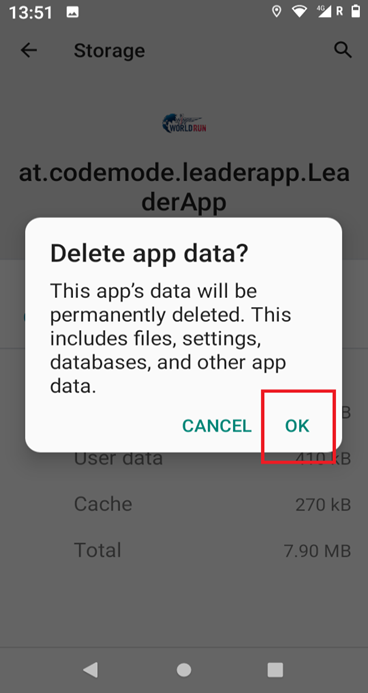
5. Press “OK” |
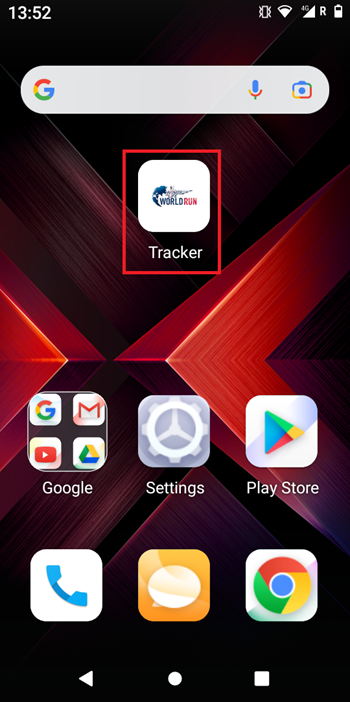
6. Start the App again: |
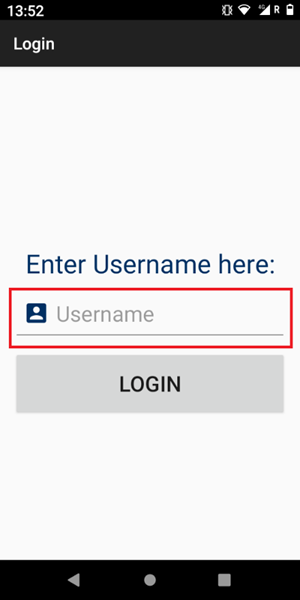
7. type the designated username in: e.g. tracker52 |
|
|
|
|
|
No comments to display
No comments to display